The iPhone 16, released in 2024, has been a significant addition to the smartphone market, offering a plethora of innovative features and enhancements that set it apart from its predecessors. For new iPhone users, the official iPhone 16 user guide is one of the most important tools.
This comprehensive guide provides detailed instructions on how to set up, use, and troubleshoot your device, ensuring you get the most out of your iPhone 16. In this blog post, we will walk you through the steps to download and utilize the iPhone 16 manual.
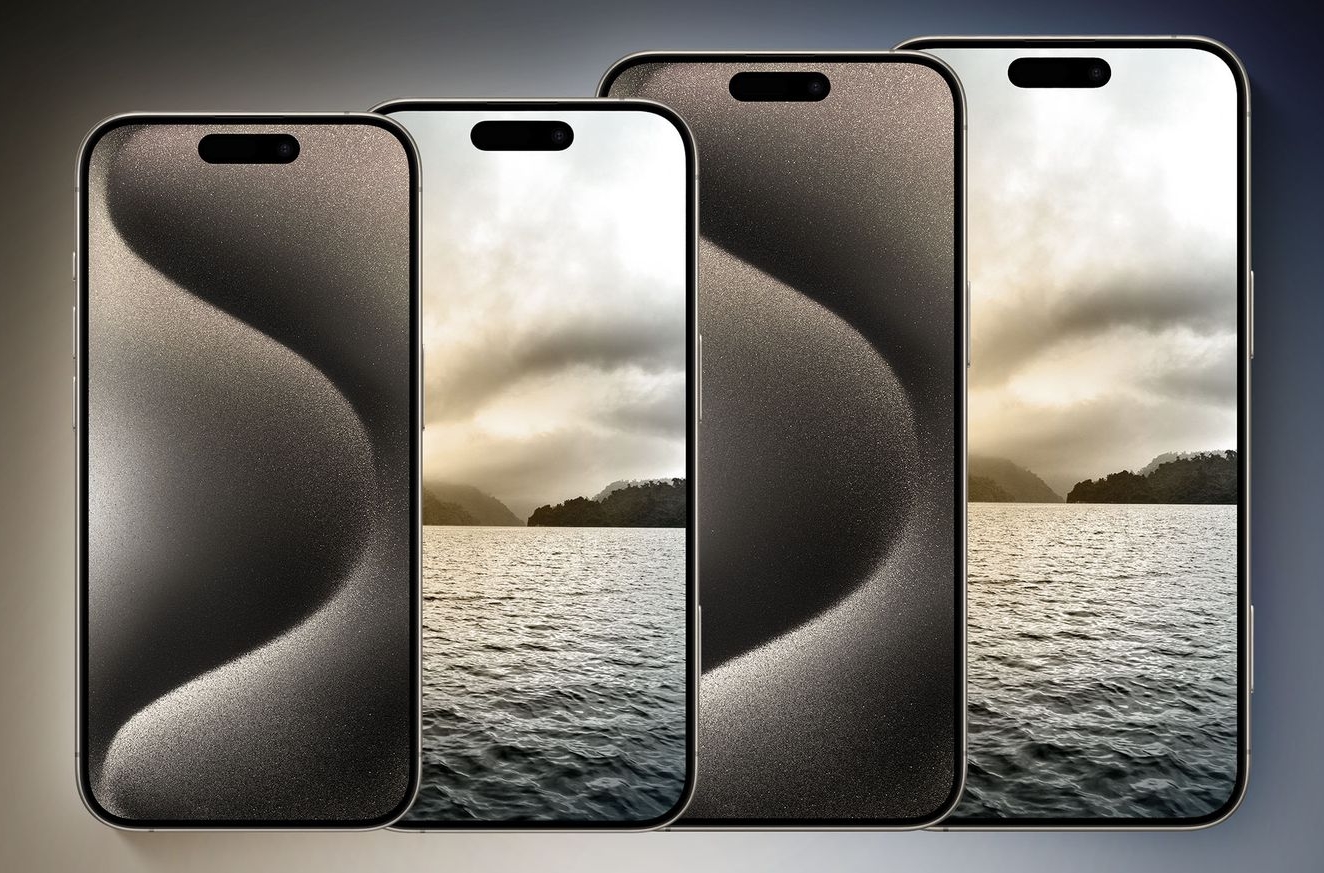
Understanding the iPhone 16 Features
The iPhone 16 boasts several key specifications and enhancements over previous models. One of the most notable features is the improved camera system, which includes advanced HDR capabilities and spatial video recording.
Additionally, the device features a more intuitive user interface, with customizable widgets and a dynamic island that provides quick access to important information.
The iPhone 16 also includes enhanced security features, such as advanced biometric authentication and robust encryption methods.
Understanding these features is crucial for optimal use. Familiarizing yourself with the new functionalities and user interface changes can help you navigate the device more efficiently and unlock its full potential.
For instance, the dynamic island allows you to access frequently used apps and features with just a glance, while the advanced camera system enables you to capture stunning photos and videos.
How to access the Official iPhone 16 User Guide
Accessing the official iPhone 16 user guide is straightforward, and there are several methods to do so. Here are the step-by-step instructions for downloading the user guide from Apple’s website:
- Visit Apple’s Support Website: Navigate to Apple’s support website and search for the iPhone 16 user guide.
- Download the guide: To save it to your computer, click the download link.
- Save as PDF: Ensure that you save the guide in a standard format like PDF, which can be easily accessed and printed.
Alternatively, you can access the guide through the Apple Books app. Here’s how:
- Open Apple Books: On your iPhone or iPad, launch the Apple Books app.
- Search for the Guide: Use the search bar to find the iPhone 16 user guide.
- Download the book: To download it to your device, click on the book title and select “Get.”
- Export to PDF: On a Mac, you can export the book to a standard format, such as EPUB or PDF.
Tips for ensuring you have the latest version of the user guide include regularly checking Apple’s support website for updates and using a reliable internet connection to avoid any issues during the download process.
Navigating the iPhone 16 User Guide
The official iPhone 16 user guide is structured to provide comprehensive information on various aspects of the device. Here’s an overview of the guide’s structure and sections:
- Setup Basics: This section covers the initial setup process, including turning on and setting up your iPhone, adding a personal touch, and connecting to the internet.
- Camera Features: Detailed instructions on how to use the advanced camera features, such as HDR, spatial video recording, and cinematic mode.
- Security and Safety: Tips on how to keep your device safe and secure, including setting up biometric authentication and using parental controls.
- Troubleshooting: common issues and their solutions, helping you resolve problems quickly and efficiently.
Navigating the guide is straightforward. You can find specific information quickly by using the table of contents or the search function, you can quickly find specific information. The guide is designed to be user-friendly, making it easy to find what you need without much hassle.
Conclusion
The official iPhone 16 user guide is an indispensable resource for any new user. The detailed instructions and tips help you maximize your device. Downloading and exploring this guide can ensure a smoother transition to your new iPhone 16 and unlock its full potential.
In conclusion, staying updated with future iPhone resources and guides is crucial for maintaining optimal performance and enjoying the latest features.
Apple regularly updates its support materials, so it’s essential to check back periodically for new information and updates. By following these steps and utilizing the official iPhone 16 user guide, you can enhance your overall user experience and make the most of your iPhone 16.
4 thoughts on “Discover the Ultimate Guide: How to Download the Official iPhone 16 User Guide”
Comments are closed.