Water damage can really mess up an iPhone’s charging. If your phone won’t charge after getting wet, you’re in good company. Luckily, there are ways to fix iPhone not charging after water exposure.
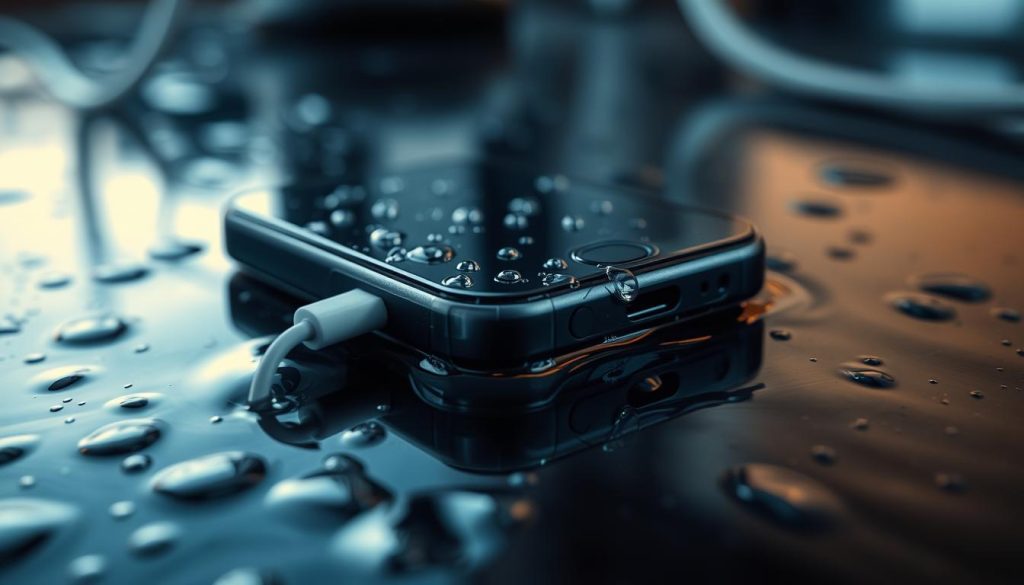
Water can harm your iPhone’s inside parts, like the charging port. This might make your phone not work right or not charge. Knowing why it’s not working is the first step to fixing it.
There are steps you can take to make your iPhone charge again. By trying the right fixes, you can get your phone working like new. Let’s look at how to tackle this common issue.
Understanding iPhone Water Damage and Charging Issues
When an iPhone gets wet, it can face many problems, including charging issues. Water damage is a big problem for many iPhone users. It’s important to know how it affects the device’s charging parts.
How Water Affects iPhone Charging Components
Water can damage the inside parts of an iPhone, including the charging system. The charging port is often exposed and can get damaged by water. This damage can make it hard for the port to work right, leading to charging problems.
Common Signs of Water Damage in iPhones
Finding water damage in iPhones can be tricky, but there are signs to watch for. Look for corrosion on the charging port, unexpected shutdowns, and charging problems. If your iPhone shows these signs after getting wet, it’s probably water damage.
Immediate Actions When Your iPhone Not Charging After Water
When your iPhone gets wet and won’t charge, you must act fast. Water and electronics don’t mix well, often causing charging issues. Knowing what to do first can help fix your iPhone’s water damage.
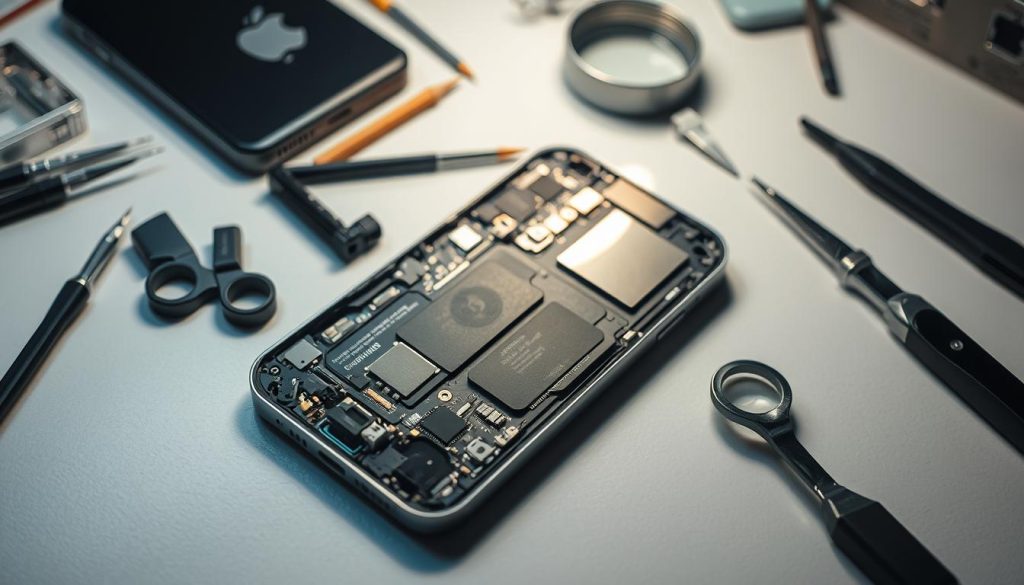
Turn Off Your iPhone Immediately
First, turn off your iPhone if it gets wet. This stops short circuits that can harm it. If it’s still on, press the sleep/wake button until it turns off.
Remove Case and Accessories
Once off, take off any case or accessories that hold water. This makes drying easier and lessens damage risk. Look for moisture and dry the outside with a soft cloth.
Proper Drying Techniques for Water-Exposed iPhones
Drying your iPhone right after water exposure is key. Don’t use hair dryers, as they can damage the inside. Instead, use desiccants or uncooked rice to soak up moisture.
Put your iPhone in a container with these materials. Let it sit for at least 48 hours before trying to charge it again. This is a good way to fix your iPhone’s charging problem.
Diagnosing the Extent of Water Damage
Understanding how much water damage your iPhone has is key to fixing charging issues. Water damage can make it hard to find the problem without a proper check.
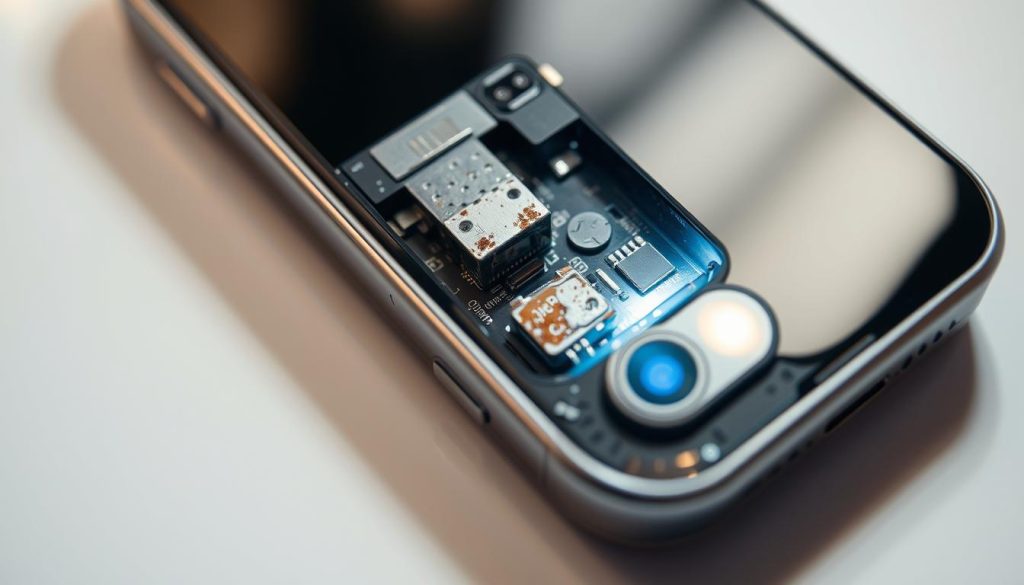
Checking the Liquid Contact Indicator
The Liquid Contact Indicator (LCI) changes color when it meets water. To see if your iPhone has been wet, look for the LCI. It’s often in the SIM card tray or on the logic board. If it’s changed color, your iPhone has been wet.
Assessing Charging Port Damage
Water can harm the charging port, making it hard for your iPhone to charge. Look for signs of damage like corrosion or debris in the charging port. Cleaning it might fix the problem. But if it’s badly damaged, you might need a new one.
Battery vs. Charging System Issues
It’s important to figure out if the problem is with the battery or the charging system. If water damaged the battery, you’ll need a new one. But if the charging system is broken, you might have to fix or replace the charging port or other parts.
DIY Solutions for iPhone Charging Problems After Water Exposure
If your iPhone won’t charge after getting wet, don’t worry. There are easy DIY fixes that might work. Water damage can cause charging problems, but you can often solve it yourself without a pro.
Cleaning the Charging Port Safely
Cleaning the charging port is a good first step. Water and dirt can block the charger from connecting properly.
Tools You’ll Need for Safe Cleaning
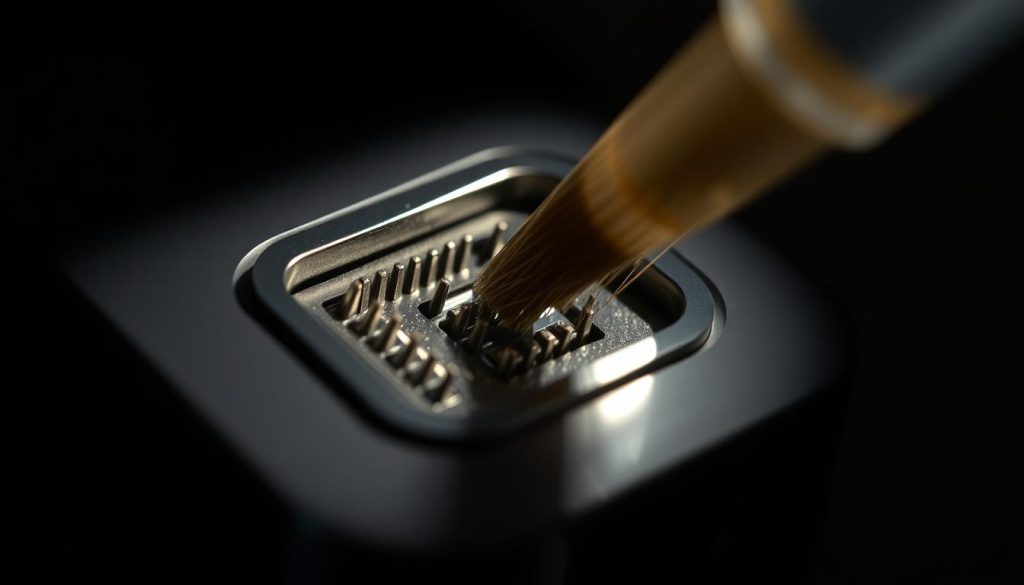
You’ll need a soft-bristled brush, compressed air, and a cotton swab to clean the port. Stay away from sharp objects that could harm it.
Step-by-Step Cleaning Process
Start by brushing off any visible dirt from the port. Then, use compressed air to remove dust and water. Finish with a cotton swab to dry it. Be gentle to avoid damaging the inside.
Trying Alternative Charging Methods
If cleaning doesn’t work, try a different charger or adapter. The problem might be with the charger, not the iPhone. Also, charge your iPhone with a different power source to check if it’s an electrical issue.
Software Reset Options to Resolve Charging Issues
Charging problems can also be software issues. Try restarting or soft resetting your iPhone. For more serious problems, you might need to restore it to factory settings. Remember to back up your data first, as this will erase everything.
By trying these DIY fixes, you might fix your iPhone’s charging problem after water damage. But if it still doesn’t work, it’s time to get professional help.
Professional Repair Options for Water-Damaged iPhones
If your iPhone won’t charge after getting wet, you need to find a pro to fix it. Water can mess up your iPhone’s charging system. This usually needs a skilled person to fix.
Apple Support vs. Third-Party Repair Services
You have two main choices for fixing your water-damaged iPhone: Apple Support or third-party services. Apple is known for quality and warranty, but it costs more. Third-party services might be cheaper but their quality and warranty vary.
Think about your iPhone model, the damage, and your budget when choosing.
Cost Considerations and Warranty Information
Fixing your iPhone’s charging port or other water damage can cost a lot. Apple’s repairs are pricier but come with a warranty. Third-party services might be cheaper, but check their warranty.
Knowing about warranties is key. Apple’s warranty covers repairs for a while. Third-party warranties can be different.
What to Expect During Professional Repair
A pro will check how bad the water damage is and what needs fixing. This might include cleaning or replacing the charging port, fixing the battery, or other repairs.
Ask about the repair steps, parts used, and warranty before you agree to it.
Protecting Your iPhone from Future Water Damage
After dealing with iPhone water damage and charging issues, it’s crucial to protect your device. Knowing how to shield your iPhone can prevent future problems. This includes avoiding iPhone water damage battery issues and charging troubles.
Using a waterproof case is a smart move. Brands like LifeProof and Catalyst make cases that can handle water. Also, keep your iPhone away from water to avoid damage.
Check your iPhone’s charging port often to keep it clean. This helps prevent charging problems. If your iPhone gets wet, act fast and use the right recovery methods. These steps will help keep your iPhone working well.
1 thought on “iPhone Not Charging After Water Damage? Here’s How to Fix It”
Comments are closed.